
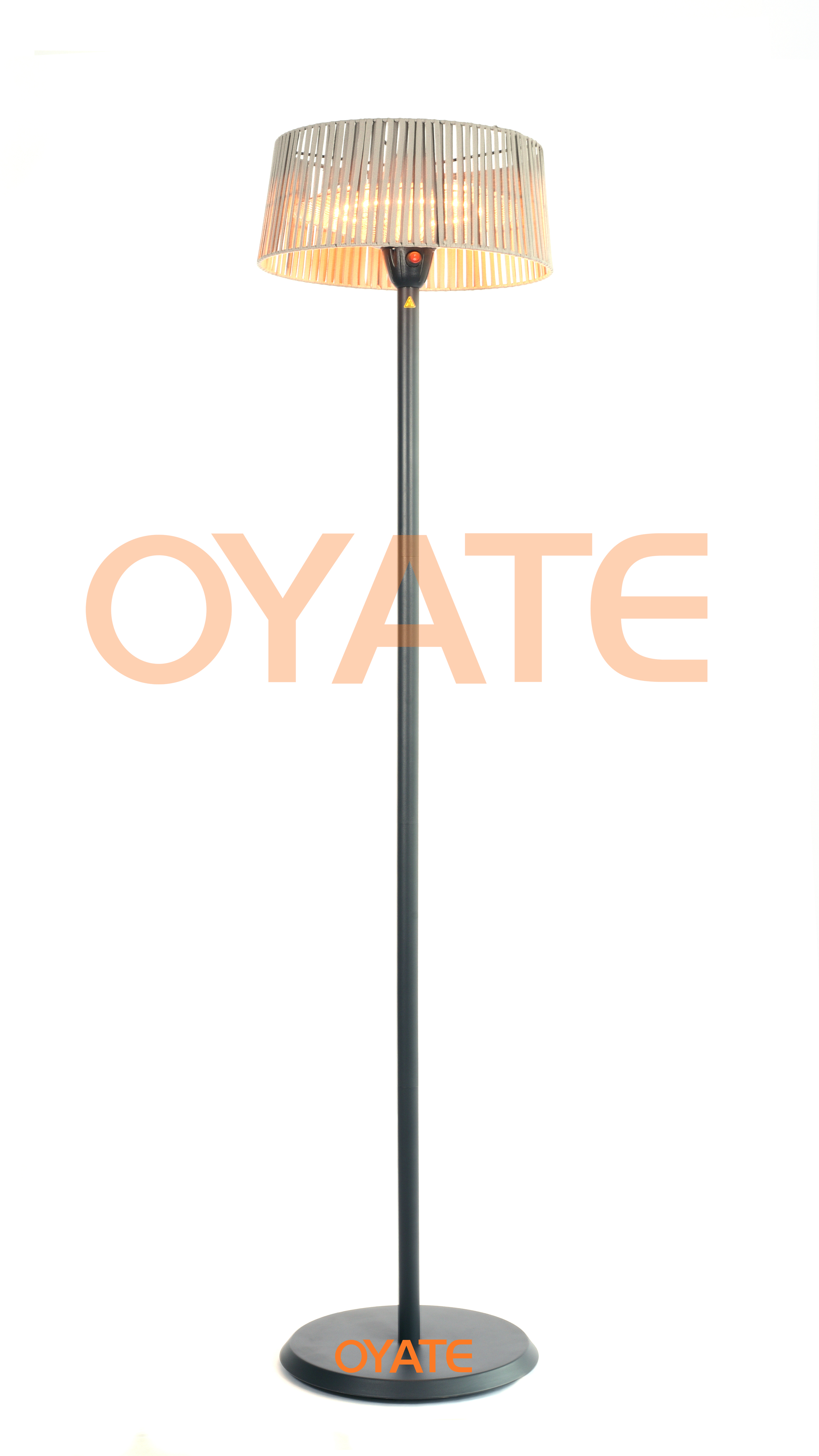
Making Your Infrared Heaters Actually Smart
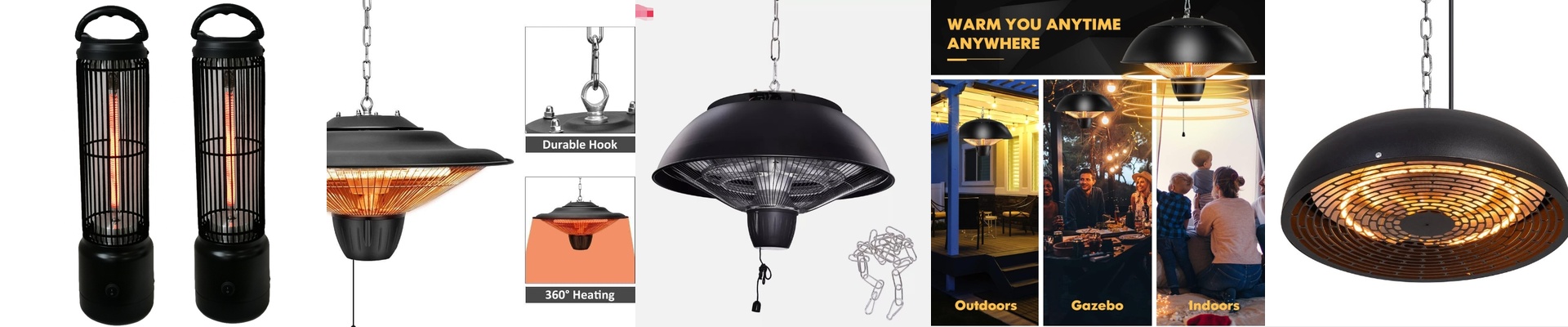
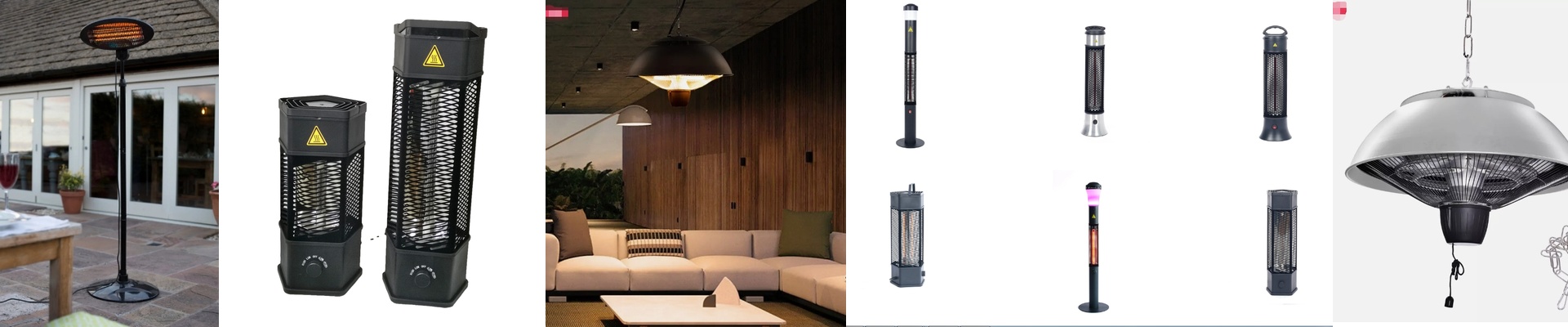
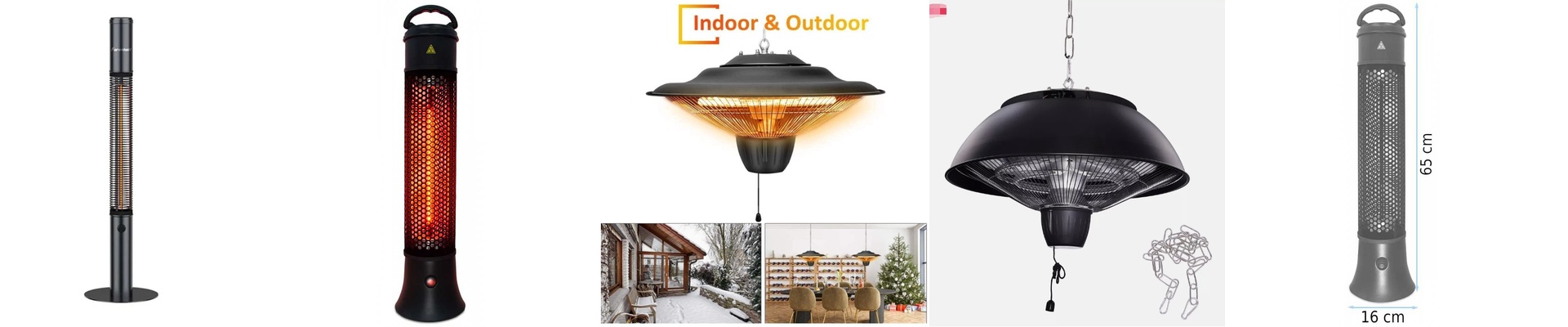
Here is the deal with infrared heaters: they don’t bother warming up the air in the room. Instead, they beam heat straight at you and your furniture. It’s a great feeling, but most of these heaters are stuck with old-school manual switches. If you want to control them from your phone or a voice assistant, you need a way to let a low-voltage signal talk to a high-wattage heater. How the magic happens To make this work, we use smart relays. Think of the relay as a heavy-duty gatekeeper. Your smart home hub—whether it’s running on Zigbee, Matter, or Wi-Fi—sends a quick “open the gate” command. The relay snaps shut, the power flows, and you’ve got a glowing hot lamp in seconds. Don’t fry your gear One big warning: please don’t try to plug a 2000W heater directly into a standard smart hub. You’ll smell smoke and ruin your board instantly. These heaters pull a lot of juice. We always use high-amp relays (usually 16A or 20A) to handle that initial surge of power. It keeps the wiring cool and, more importantly, keeps your house from becoming a fire hazard during a long winter stretch. Dealing with that “Instant Heat” The best part about IR is that it’s immediate. You don’t have to wait 20 minutes for a convection heater to slowly warm the air. But that speed can be a problem—it’s easy to accidentally turn your living room into a sauna. To fix this, we plug temperature sensors into the loop. Once the room hits the temperature you actually want, the sensor tells the hub to kill the power. It’s a simple way to keep things comfortable without babysitting the switch. The one catch Adding all this tech does make things a bit more complex. If your Wi-Fi decides to take a nap or your hub crashes, you’re suddenly unable to turn on your heat. That’s why I always insist on a physical override switch. Just a simple, old-fashioned button on the wall. It’s your safety net. Because trust me, the last thing you want is to be shivering in the dark just because of a software glitch.